01
Track Day
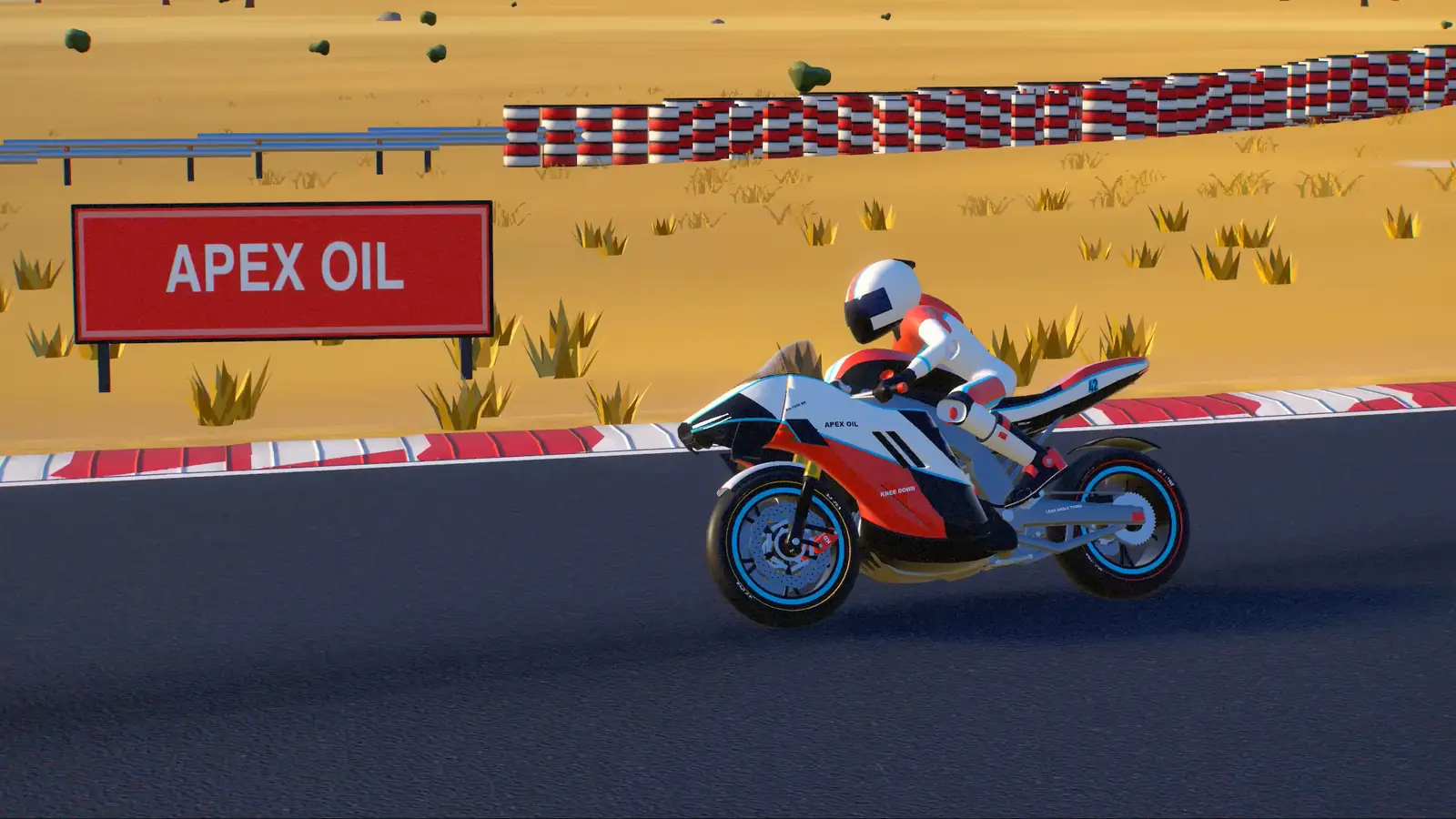
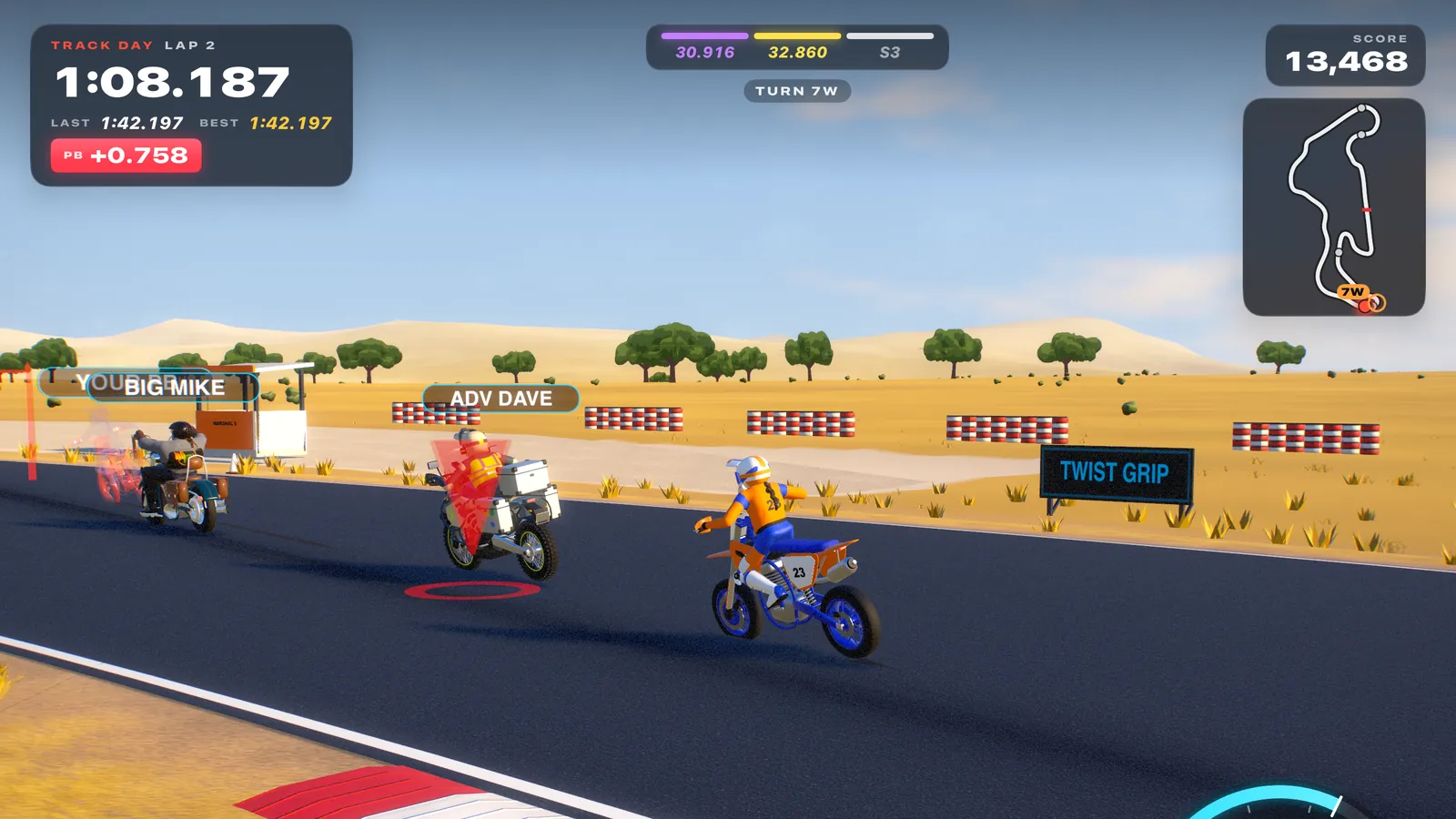
Endless laps with the coach in your ear, AI traffic to pass, a ghost of your personal best and a score that rewards clean, smooth riding.



An arcade-sim motorcycle track day where real riding technique is the game. Grin in ten seconds; get properly fast in ten hours.
What makes it different
Knee Down’s physics and scoring are built on the techniques real track-day coaches teach. You don’t read about them. You feel them, and the coach grades every corner.
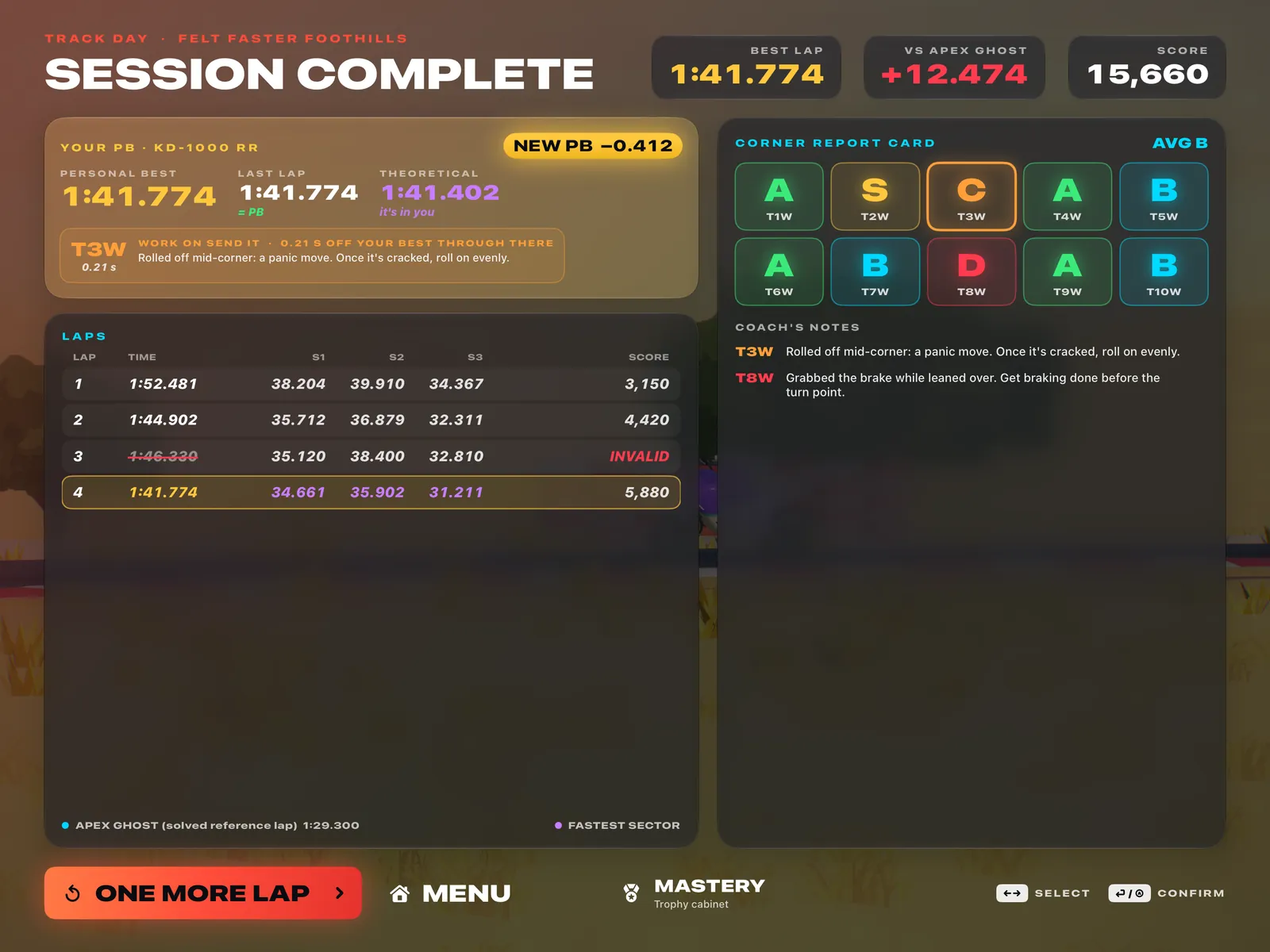
Hold the throttle, lean, grin. Assists are on and crashes are optional. But riders will recognise everything underneath: reference points, a smooth roll-on, brake markers, a snap turn-in, looking ahead, body position. Every lap ends with a corner report card — and one coaching tip for each corner that got away.
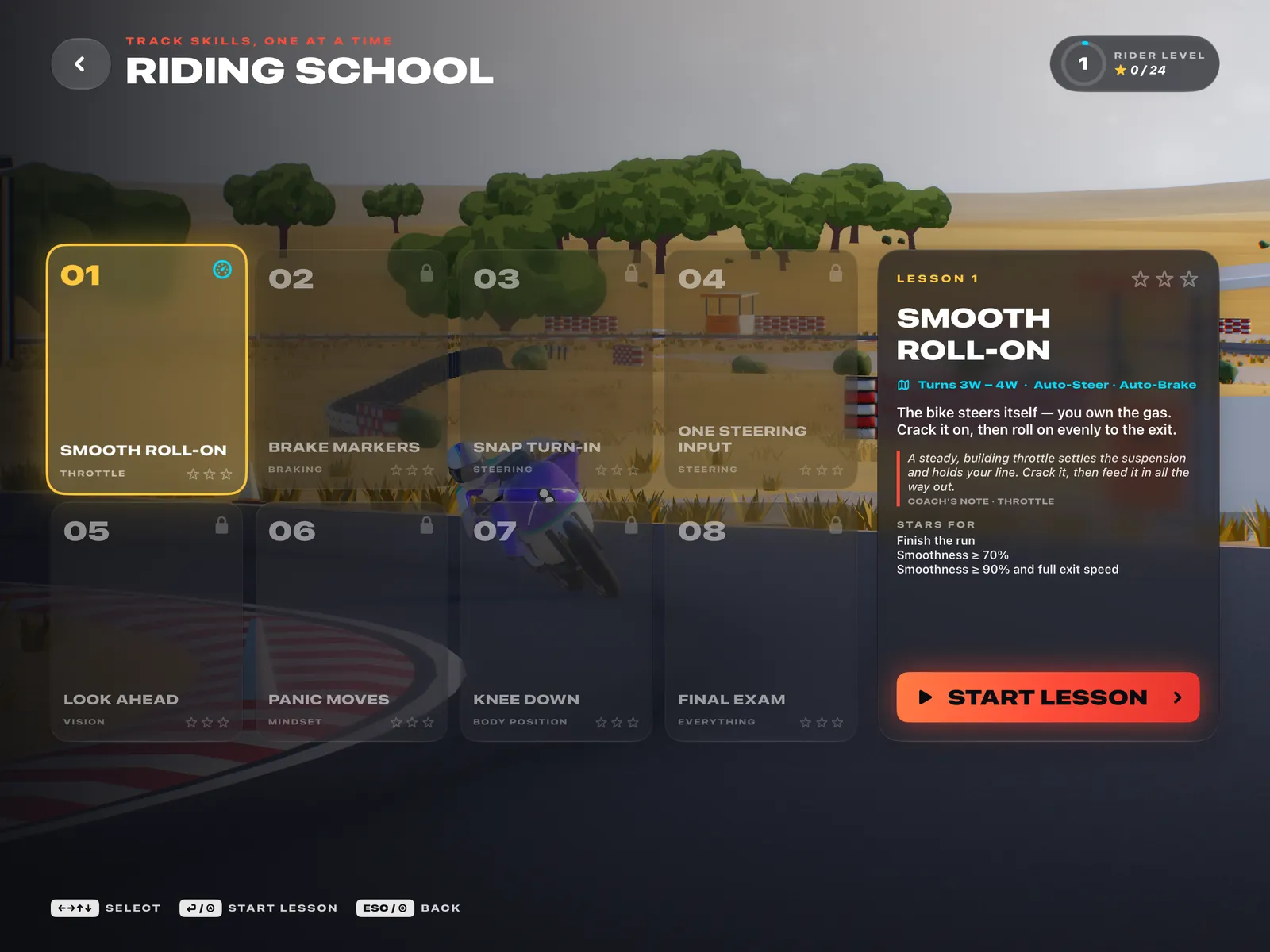
Eight bite-size lessons, 60–120 seconds each, on slices of Felt Faster Foothills, from Second Thoughts to the Dinner Bell hairpin. One goal, up to three stars, one coaching tip and an instant retry. The controls are trimmed to what each lesson teaches — in lesson one, you only own the gas.
The paddock
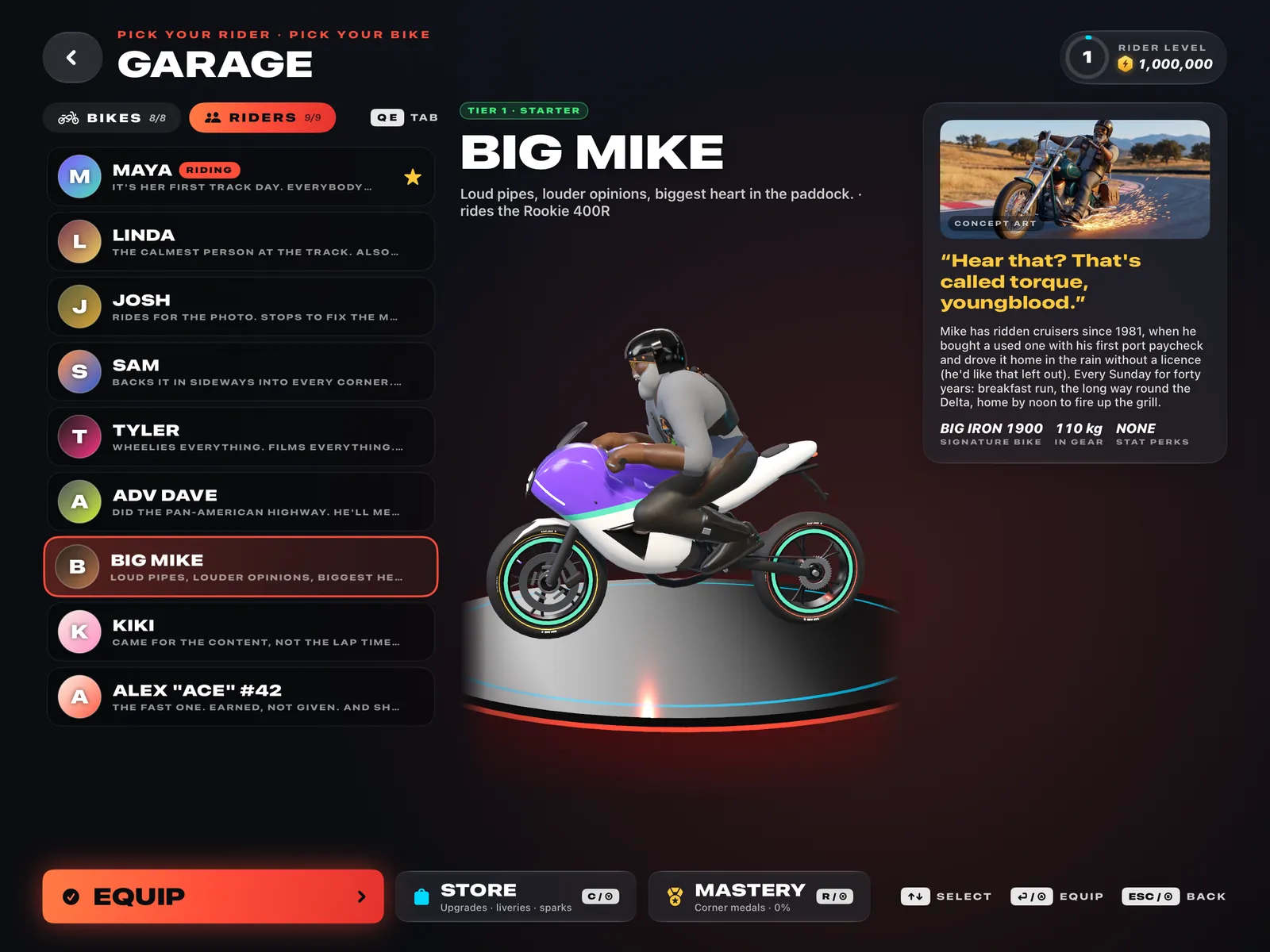
Every track-day “type” you’ve ever met, drawn with love: Linda on her scooter, Big Mike sparking his floorboards, Kiki stopping at the apex for a photo. Put anyone on anything — Big Mike on the scooter is canon.
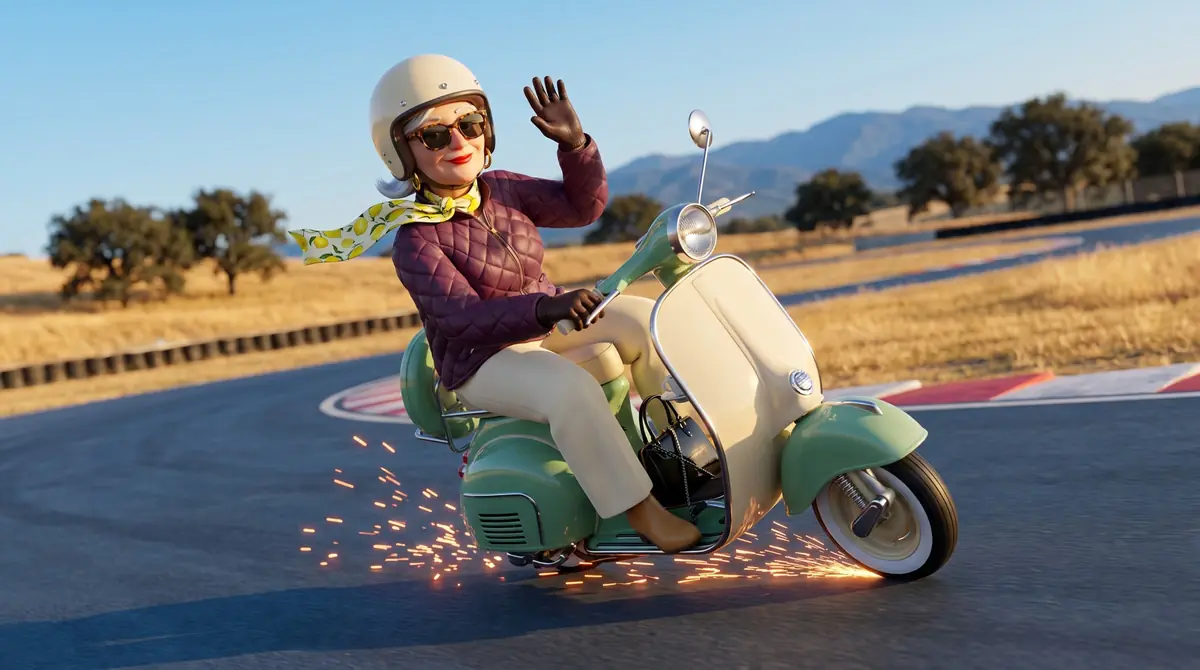
The calmest person at the track. Also the one who brought lunch.
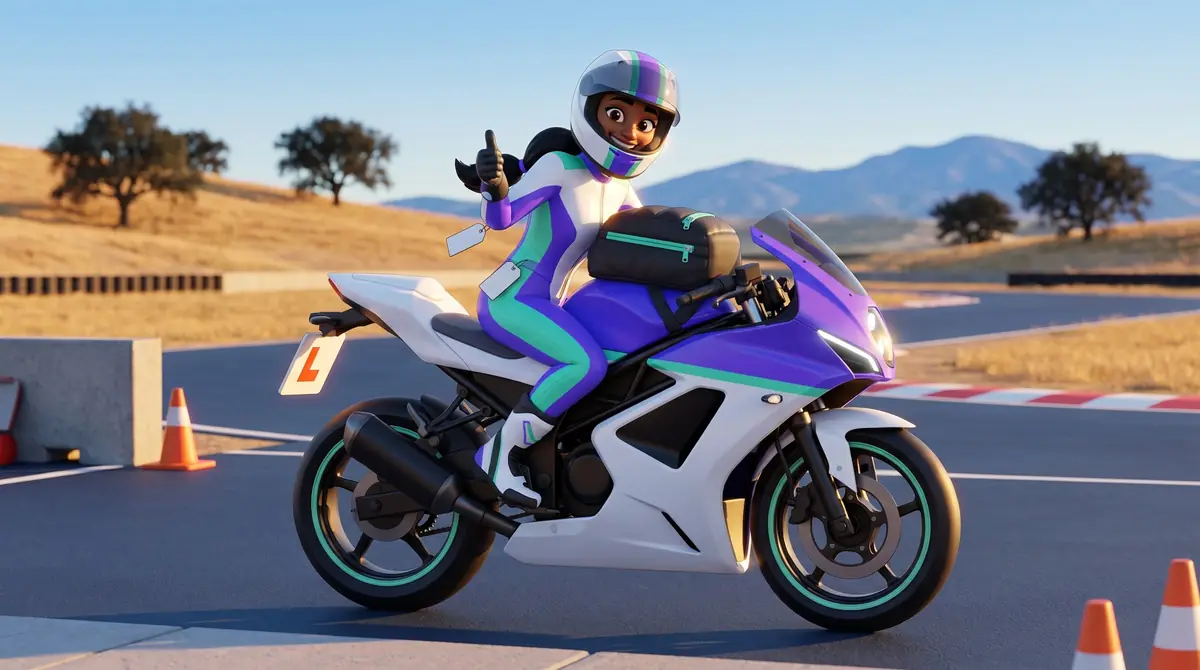
It’s her first track day. Everybody can tell. Everybody is rooting for her.
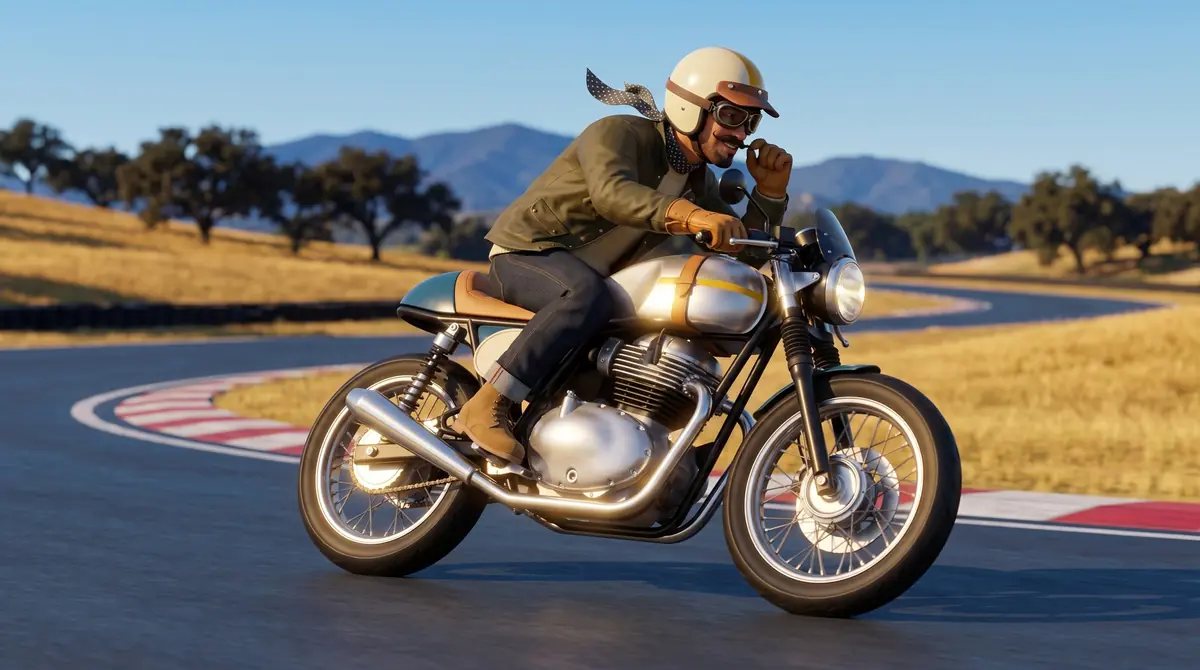
Rides for the photo. Stops to fix the moustache. Accidentally smooth.
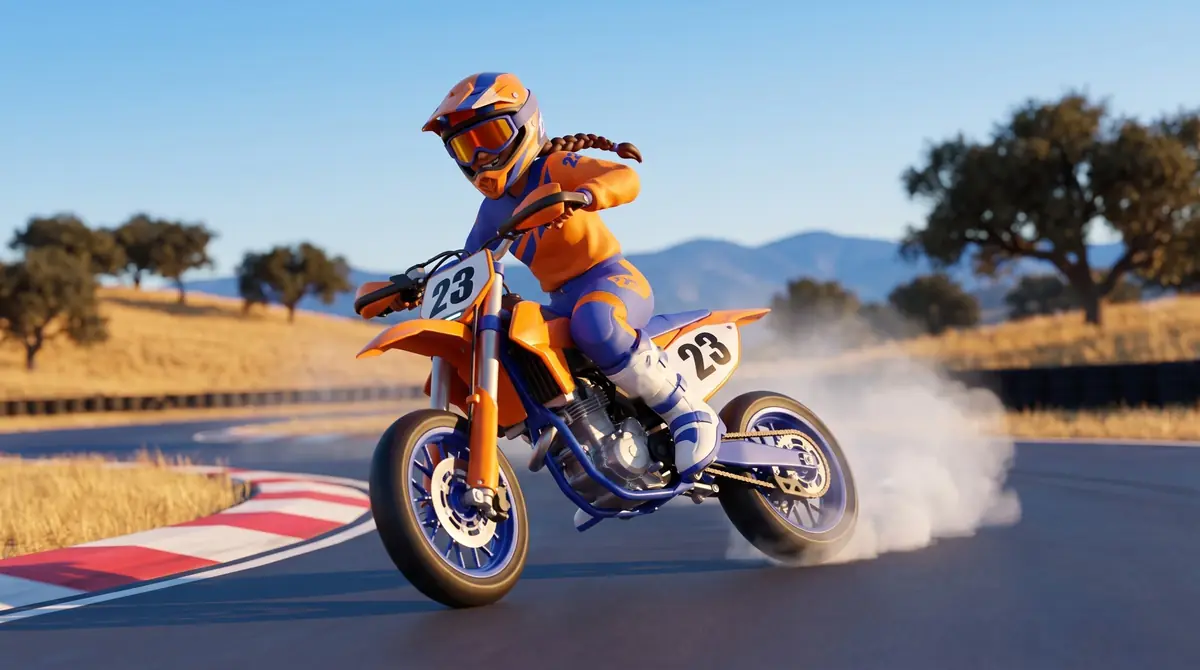
Backs it in sideways into every corner. Leg out, not knee down.
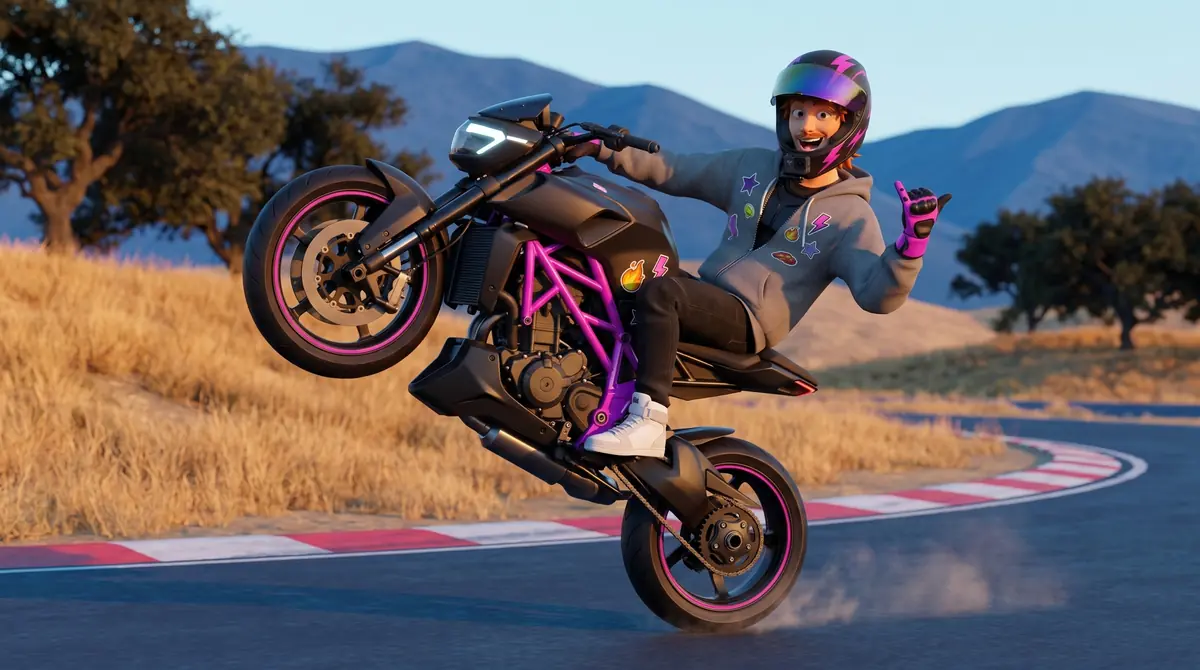
Wheelies everything. Films everything. Says “send it”. Has a good heart.
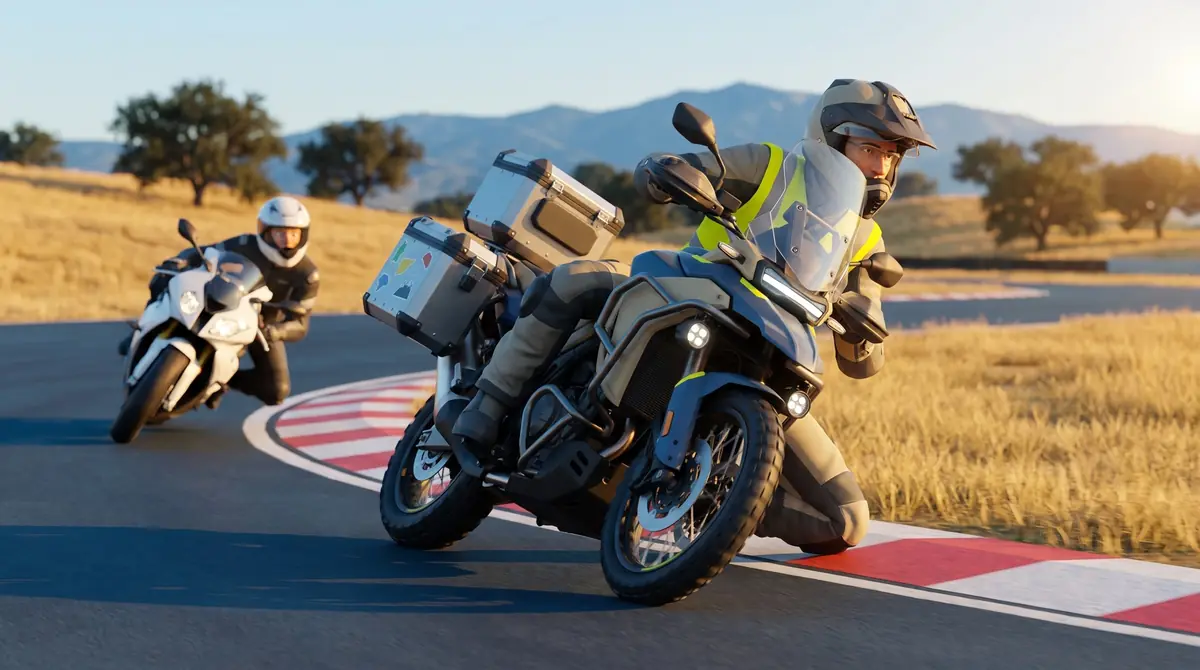
Did the Pan-American Highway. He’ll mention it. He’s also annoyingly quick.
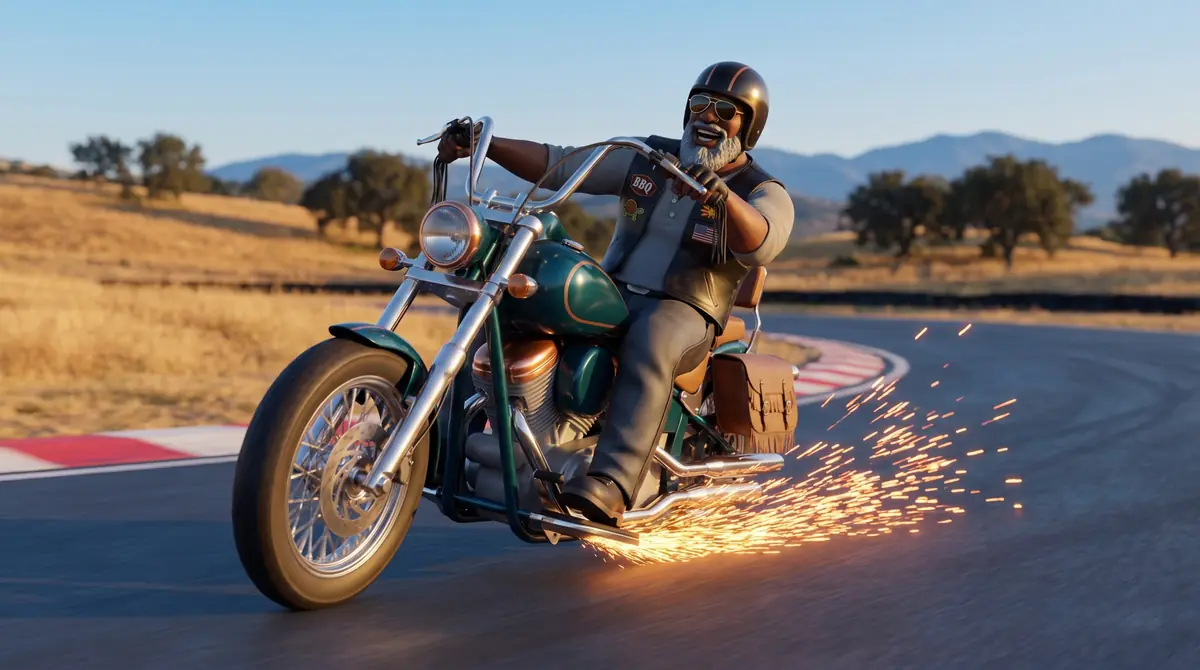
Loud pipes, louder opinions, biggest heart in the paddock.
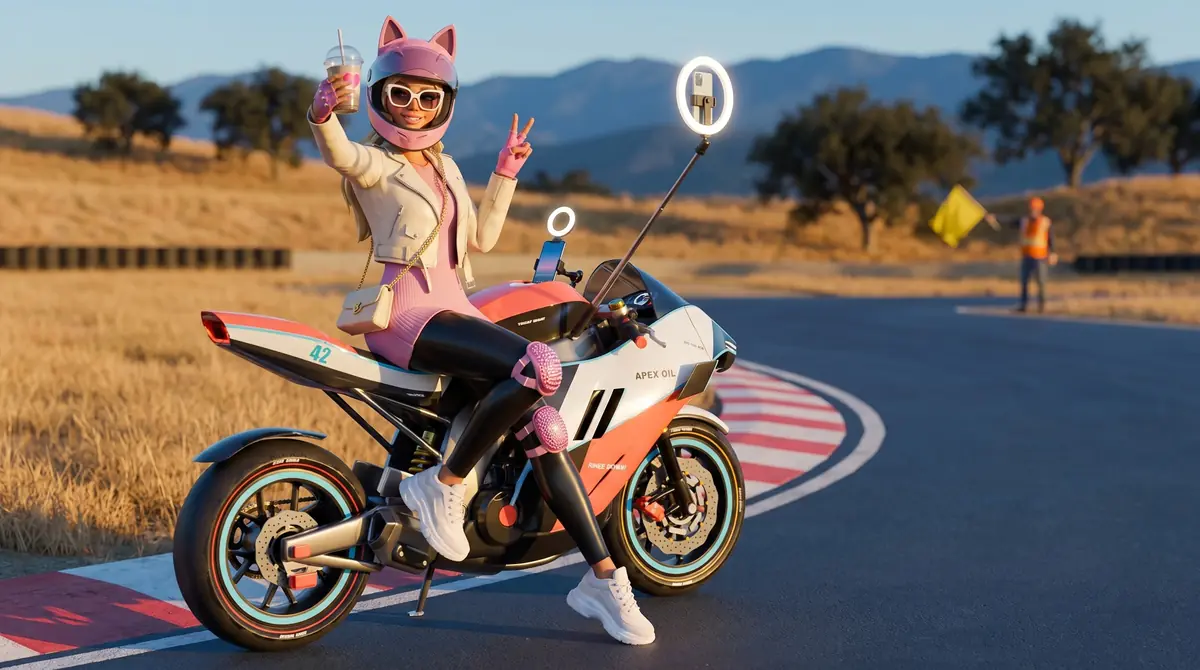
Came for the content, not the lap times. Stops at the apex for a photo. Is secretly getting good at this.
Features
Skill first, horsepower second. Tokens are earned by riding well and never sold. You can’t buy speed, and you can’t unlock the superbike until you can ride it.
01
Endless laps with the coach in your ear, AI traffic to pass, a ghost of your personal best and a score that rewards clean, smooth riding.
02
Hot laps against the Apex Ghost — a solved minimum-time reference lap — and your own PB ghost, with live deltas and sector splits.
03
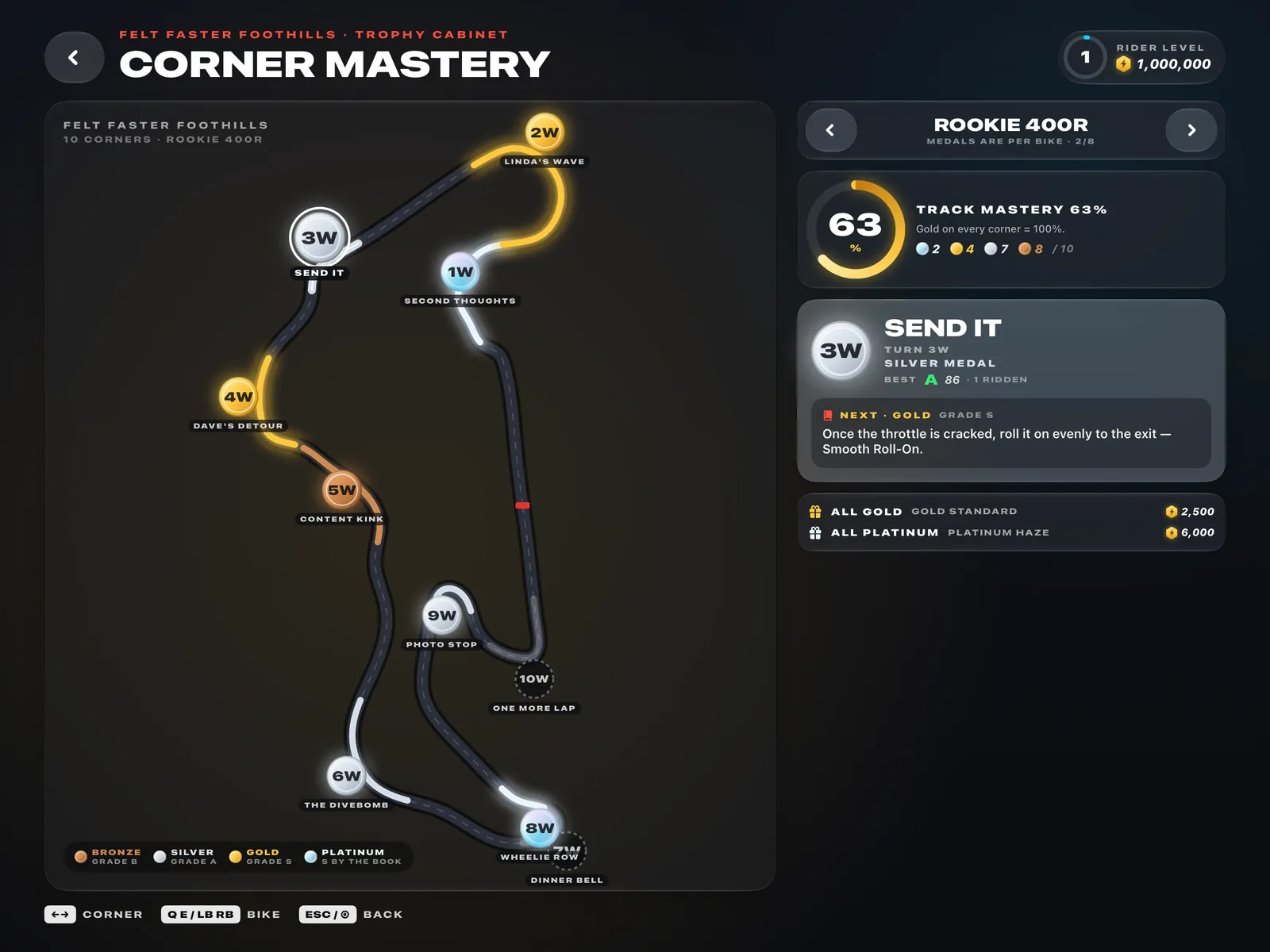
Every corner, every bike: bronze, silver, gold — and platinum only for an S with every technique done right.
04
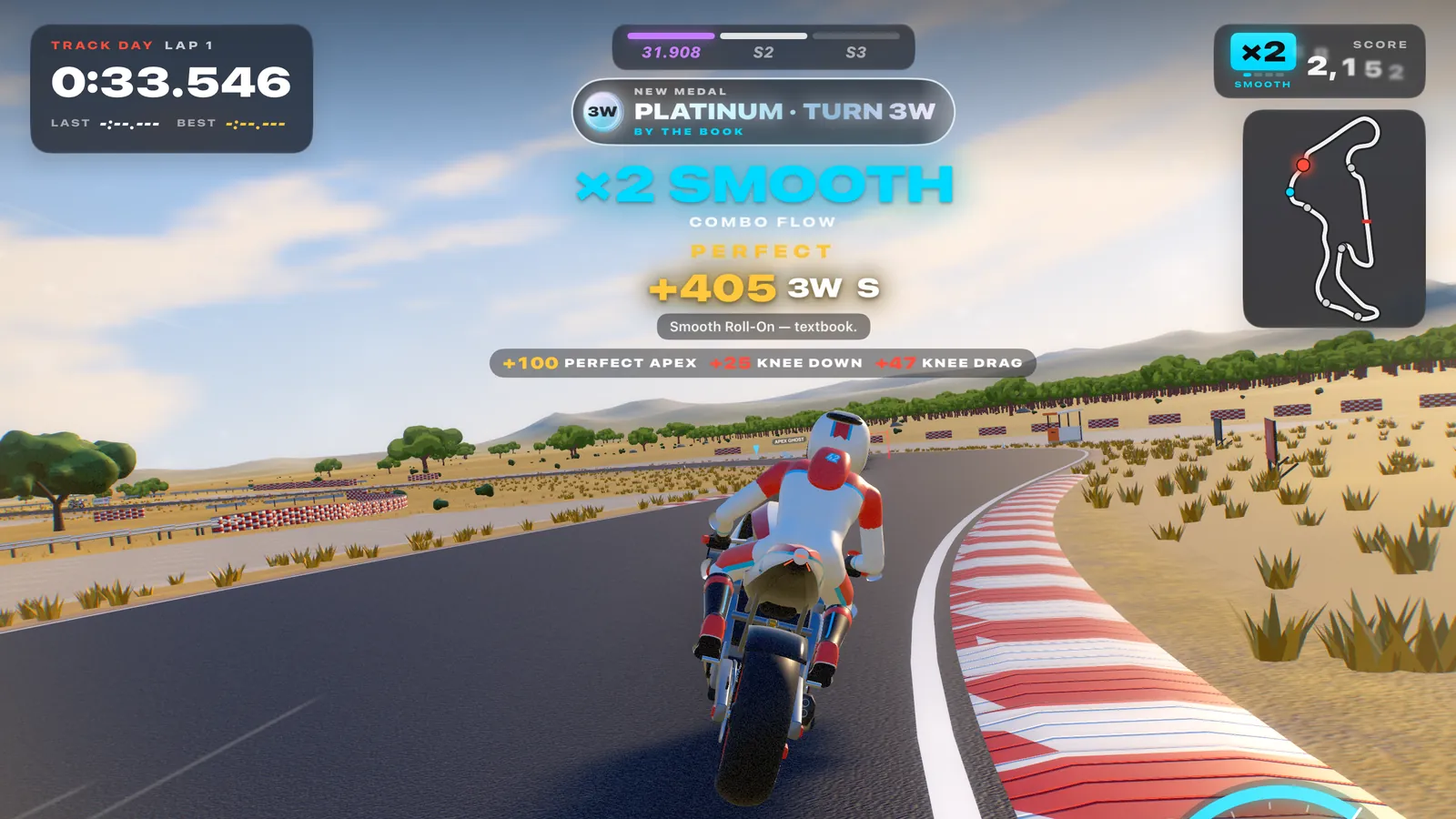
String S and A corners together: Smooth ×2, Dialled In ×4, Flow ×6, In The Zone ×8. The music builds with you. One roll-off and it cracks.
05
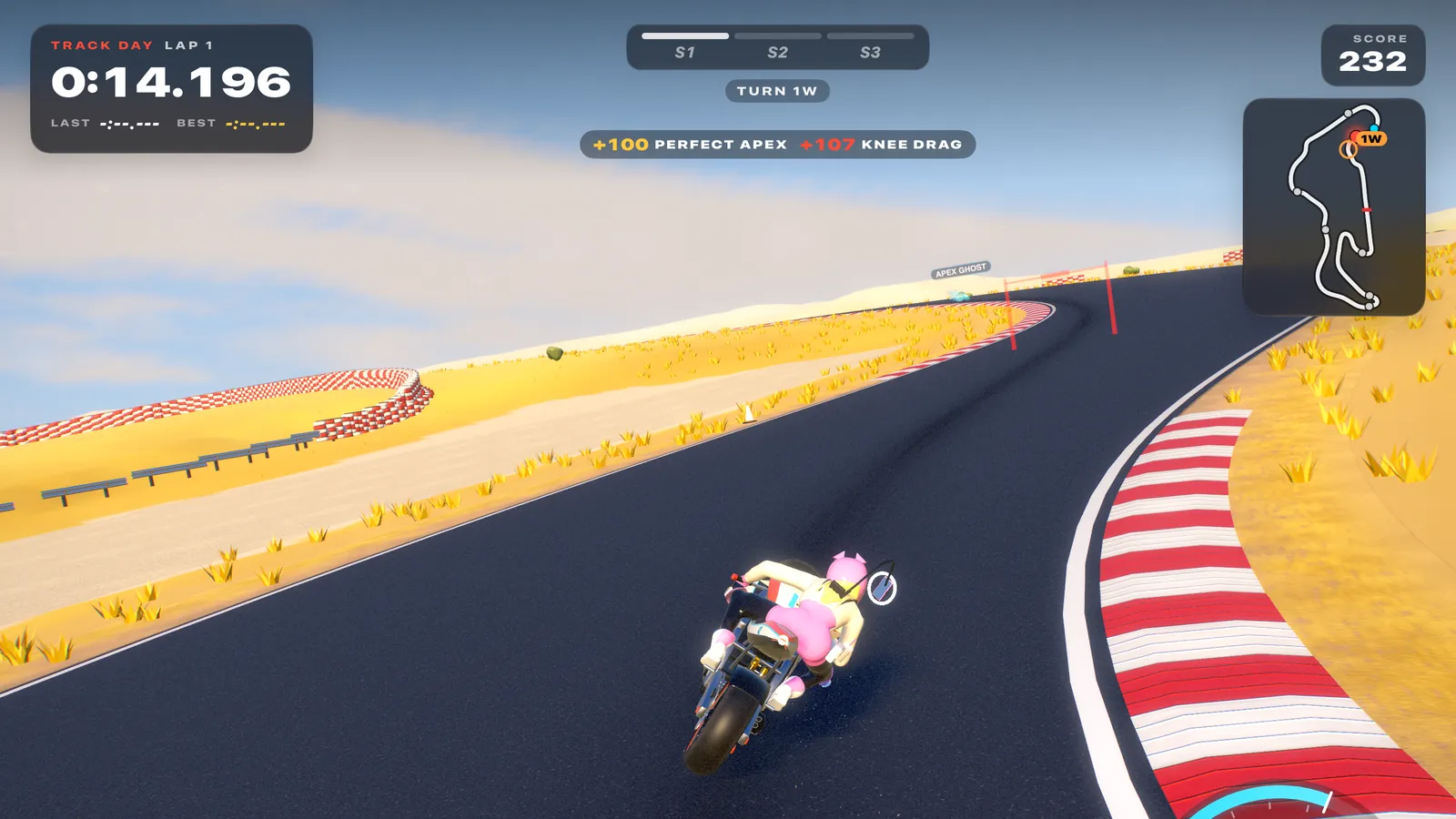
The time you lost is pinned on a corner, with the one coaching tip that would win it back. One more lap. Always one more lap.
06
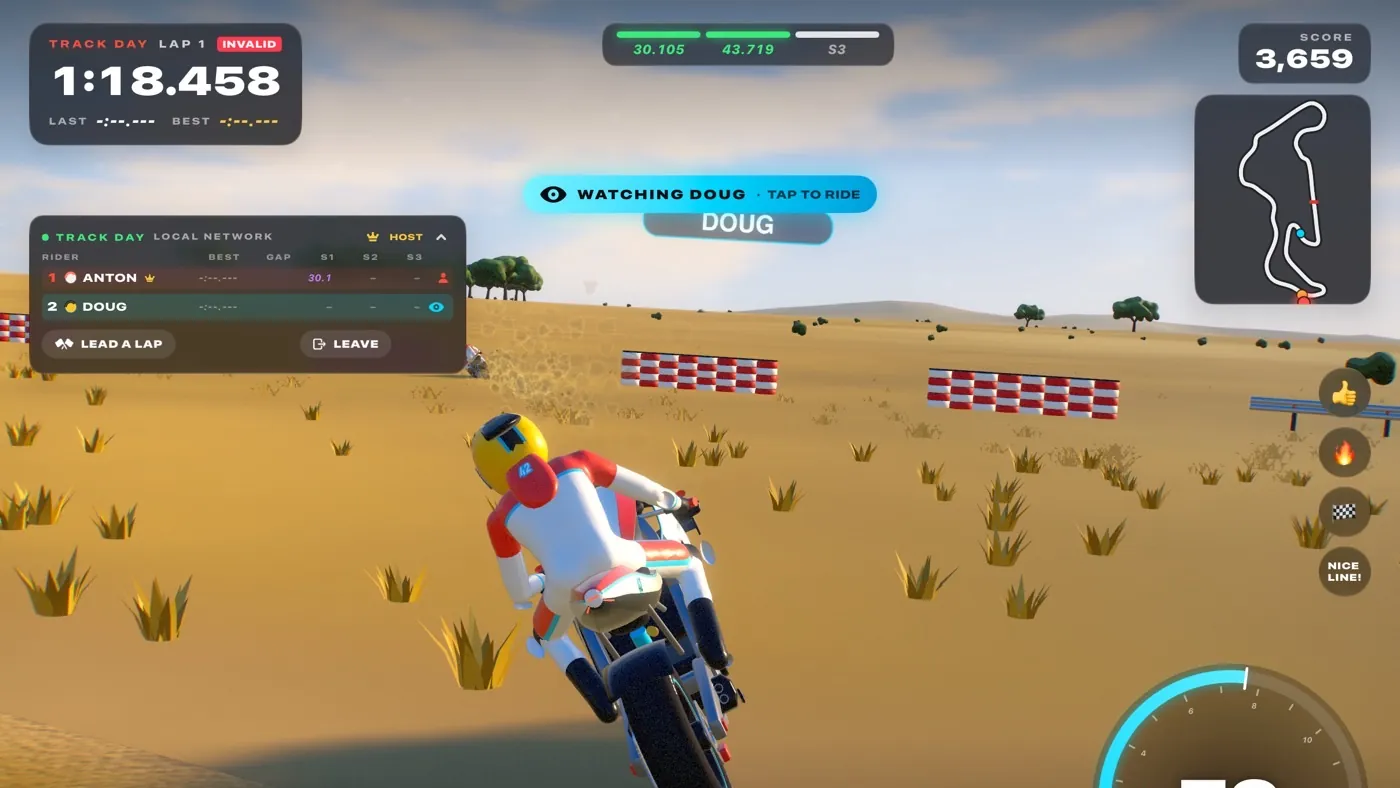
Up to 8 riders, drop in from pit lane any time. Follow a friend and see their line on the asphalt, or lead a lap like a real control rider.
07
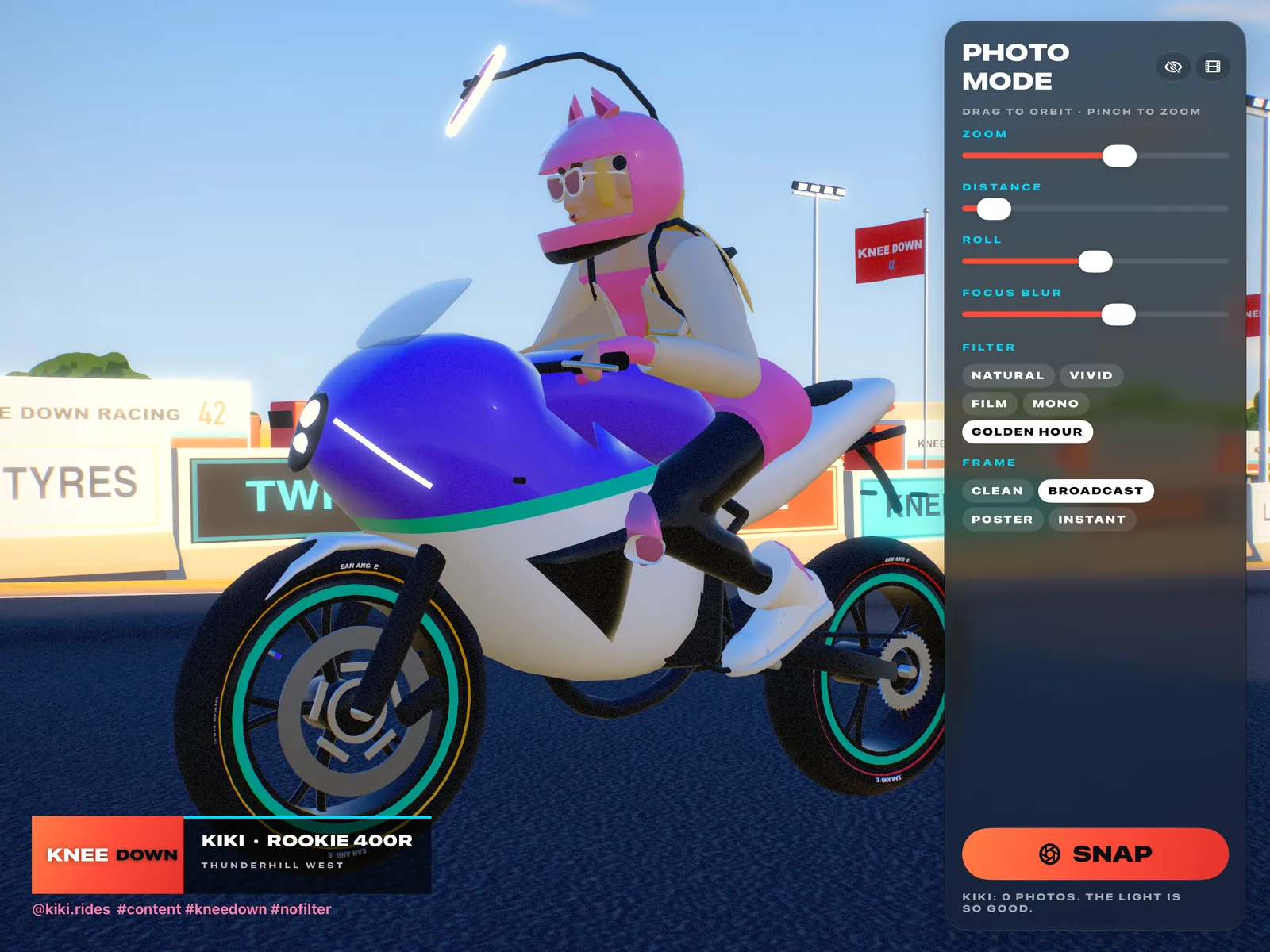
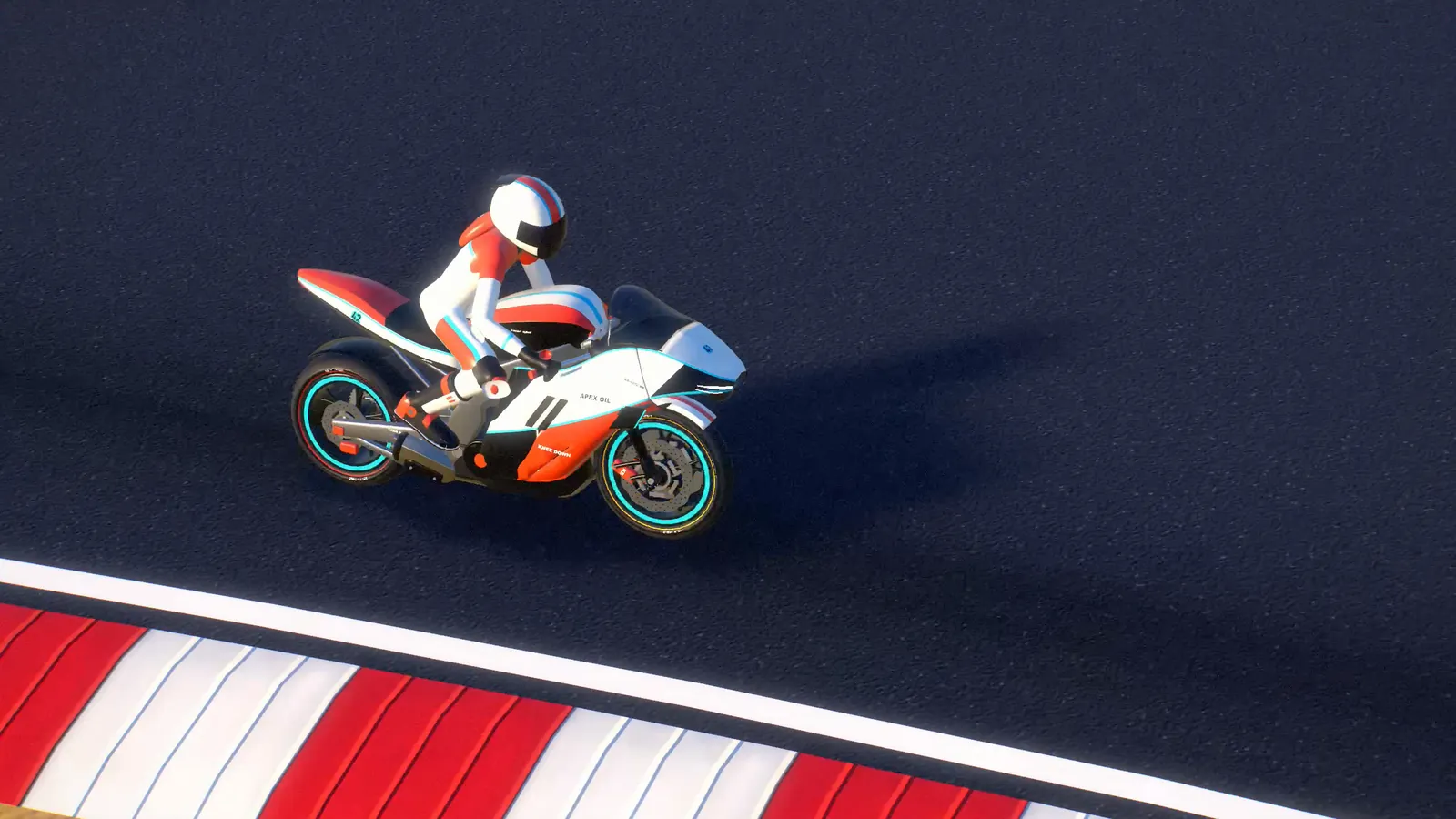
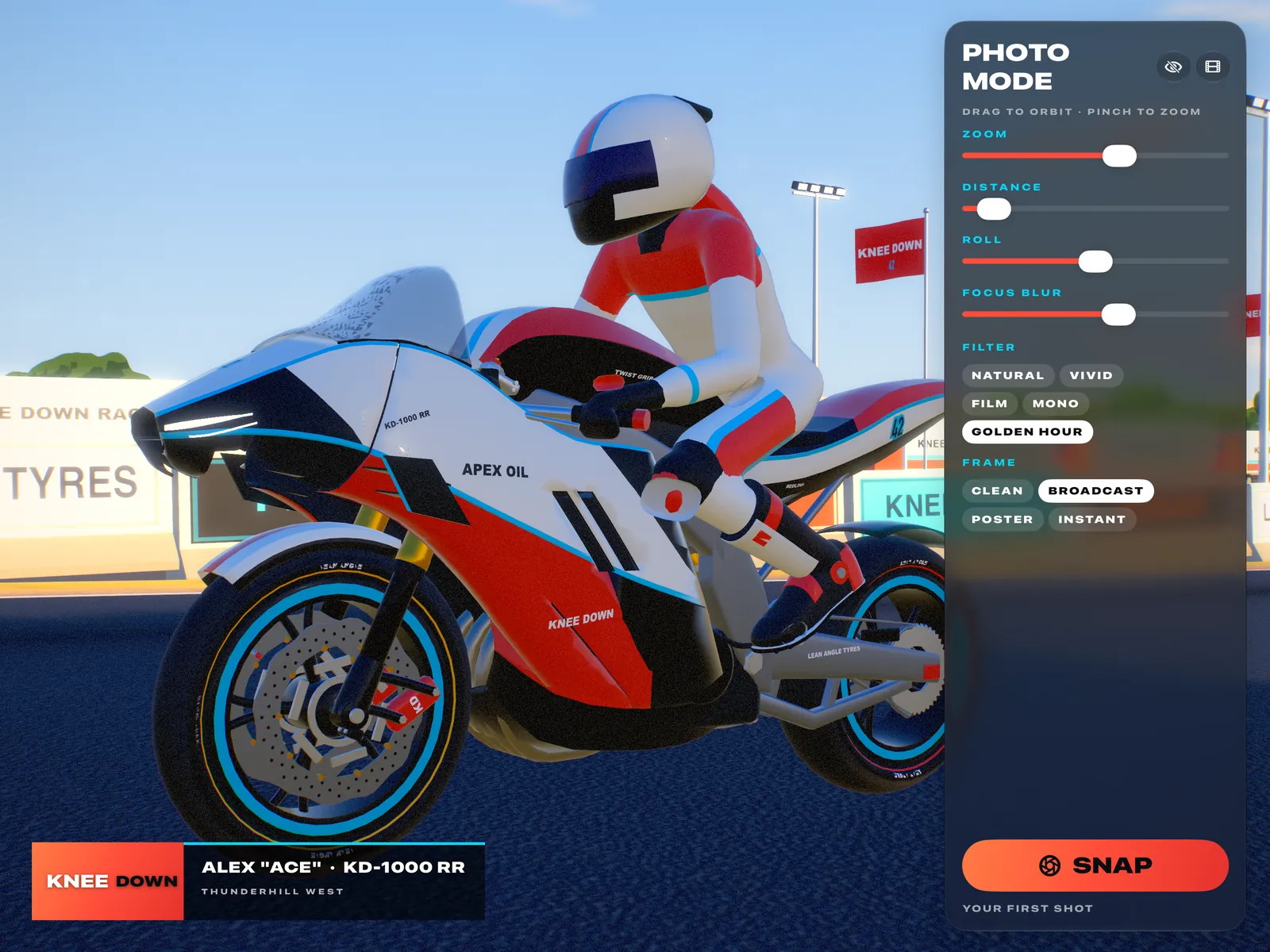
TV, helicopter, chase and orbit cameras, slow motion and scrubbing. Freeze the knee-down moment, frame it, filter it, save it to Photos.
08
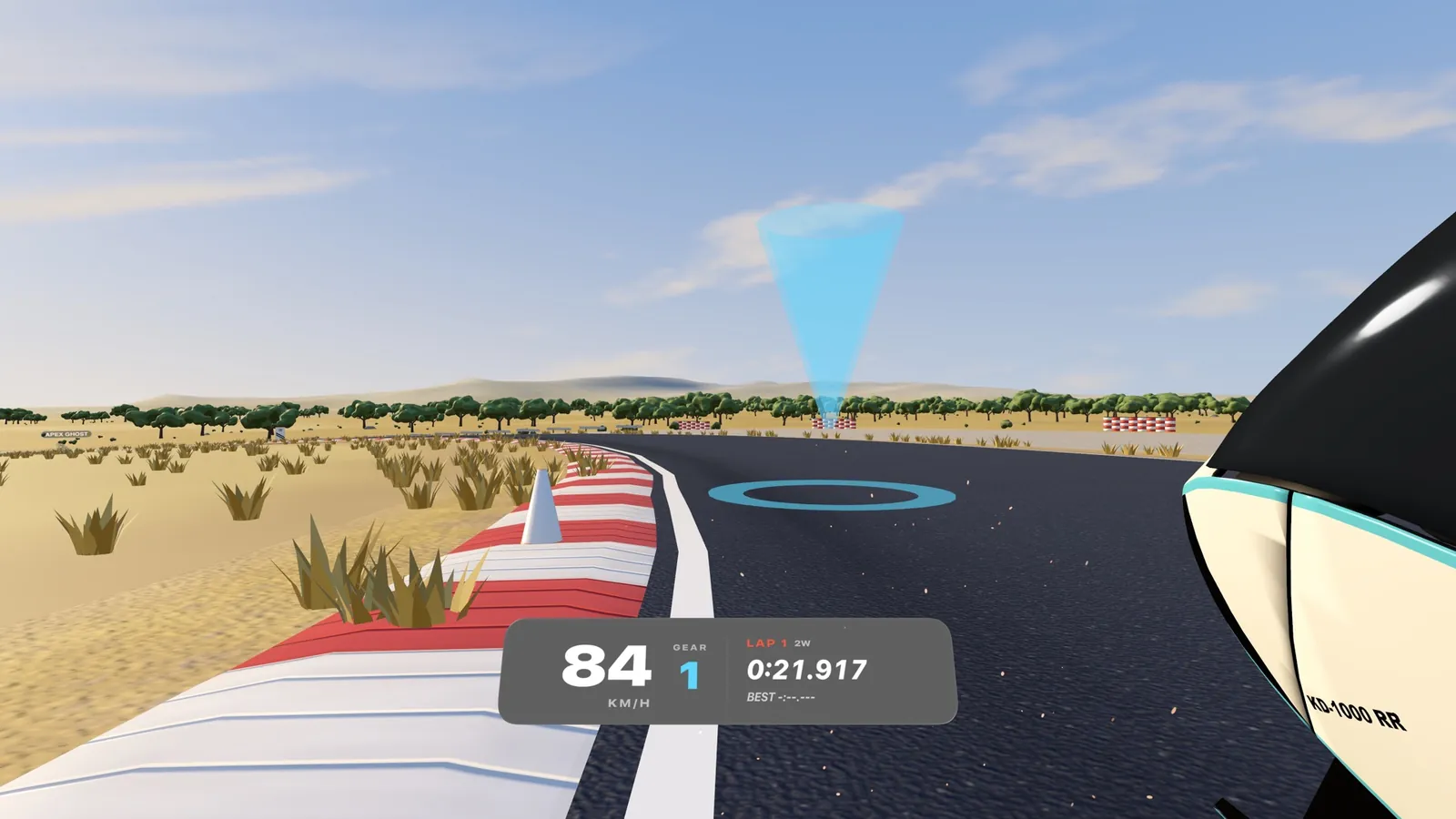
On Apple Vision Pro you’re in the helmet: the circuit wraps around you, the dash sits below your eyeline, comfort options are built in.
Apple Vision Pro
Knee Down on Apple Vision Pro puts you in the rider’s seat. Felt Faster Foothills surrounds you, the horizon tilts with the bike, and the dash sits just below your eyeline.
Prefer to watch? Tabletop puts the whole circuit on your coffee table as a living diorama — tap a rider to follow them. Ride with a gamepad for full control, or pinch-and-hold for assisted steering. Comfort options include a lean-free horizon and a speed vignette.
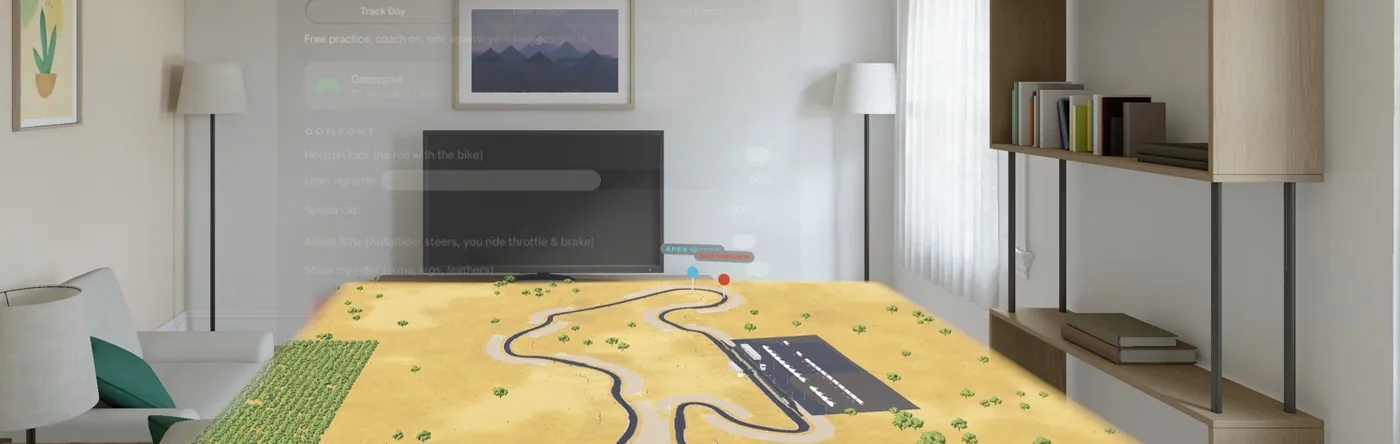
The whole track on your table. Follow any rider.
Lock the horizon so the world doesn’t roll with the bike, add a lean vignette, cap the speed, or let Assist Ride steer while you work the throttle and brakes. Every Riding School lesson works in the headset too — look through the corner for real.
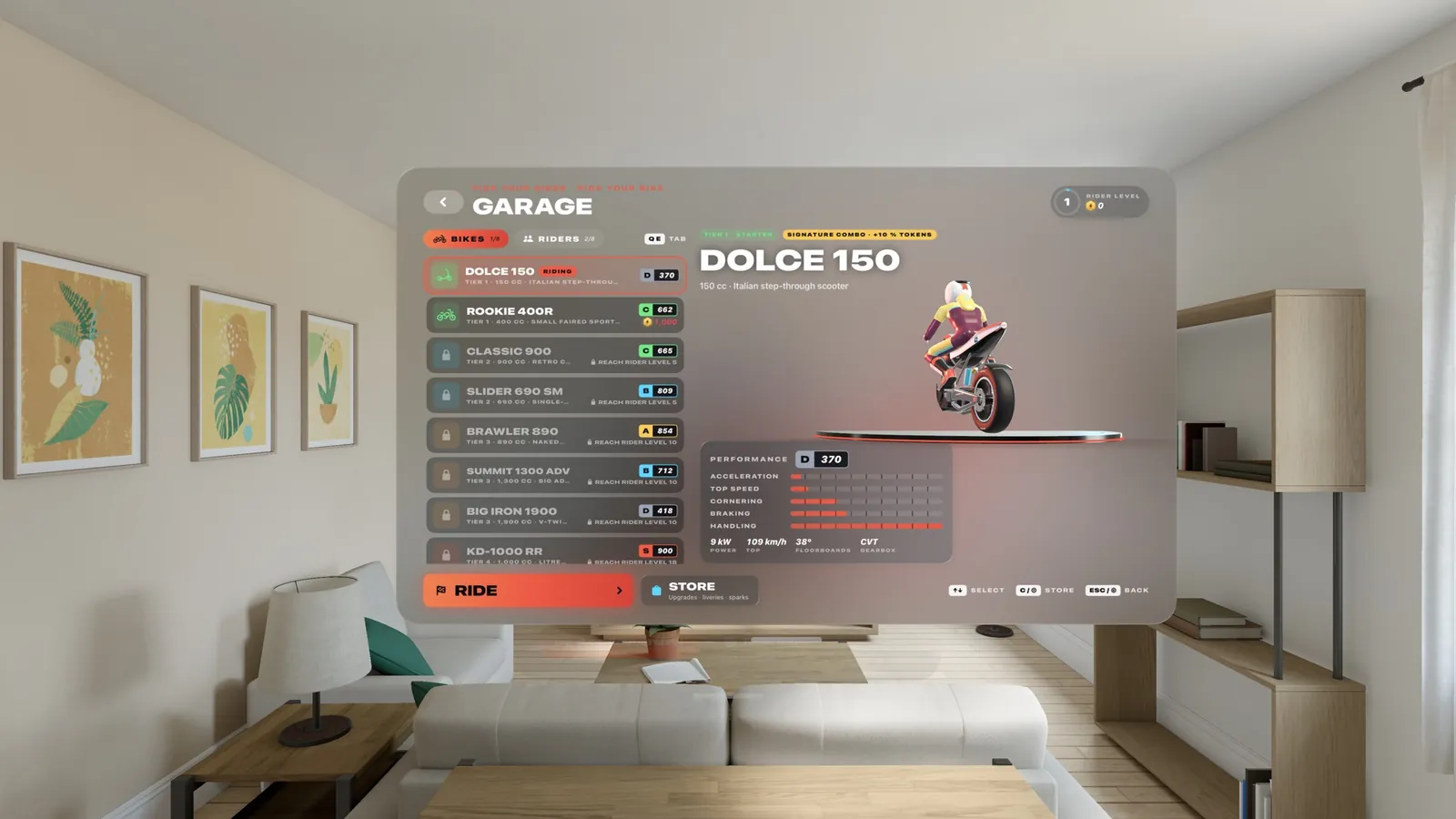
Spin the bikes on a turntable that stands in the window.
Screenshots
Captured in-game on iPad.
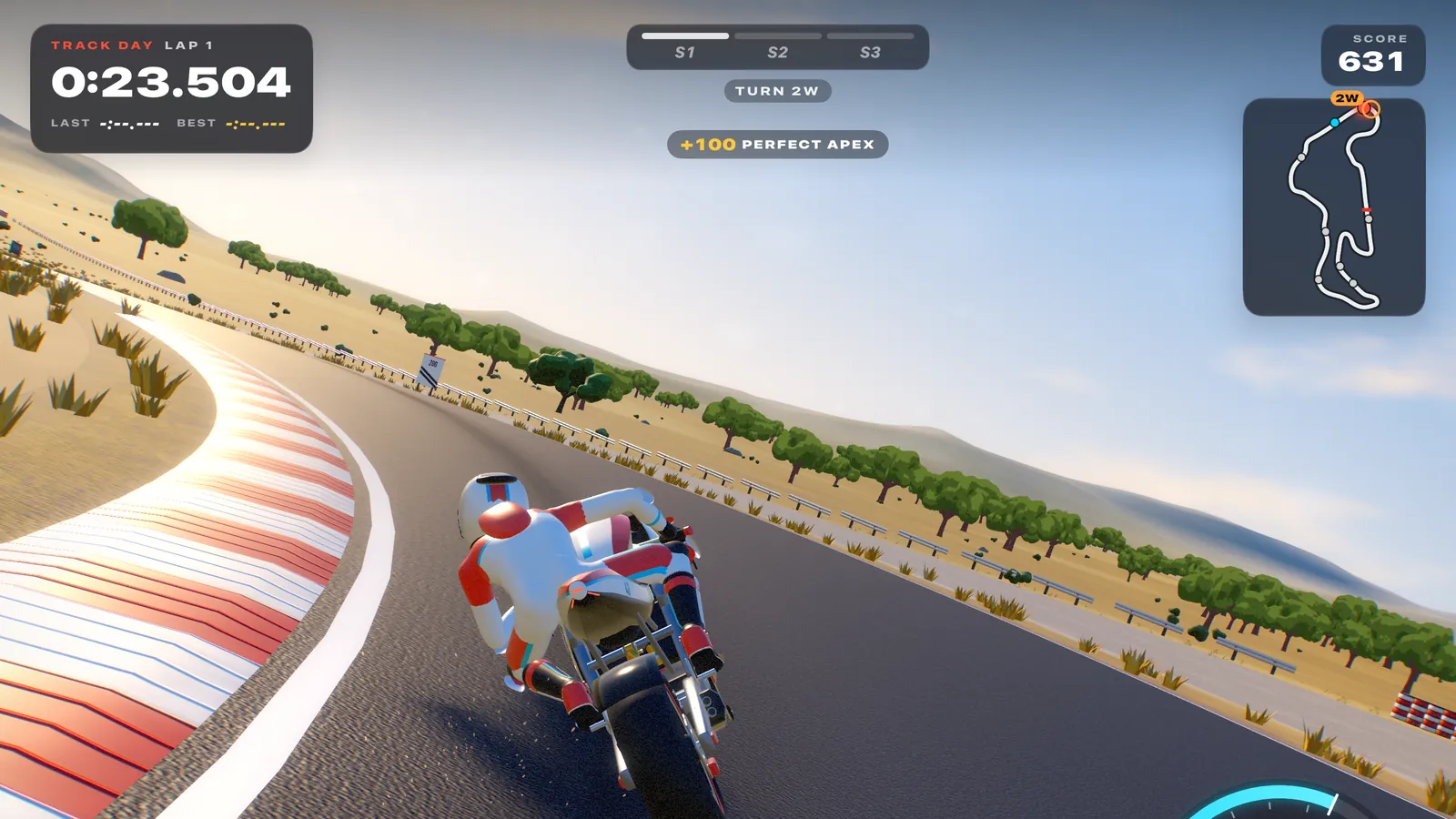
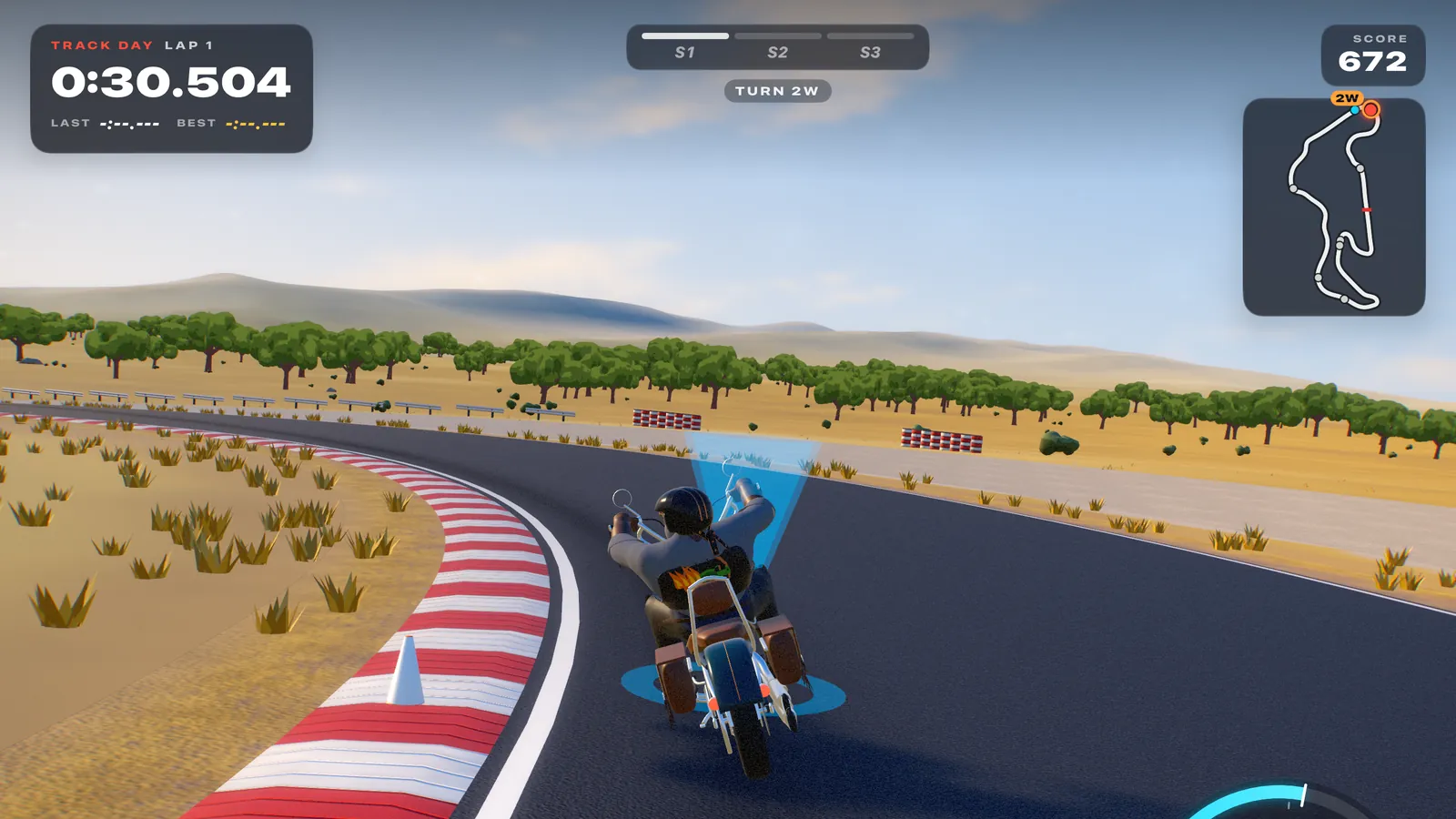
Mac, iPad and Apple Vision Pro. Bring a gamepad, or ride with touch, tilt or keyboard.